
Squarespace Payments Tutorial (2026)
About this Squarespace video tutorial
In just one year, so much has changed with the Squarespace Payments process that I needed a refresher. Today we'll cover how to set up Squarespace Payments for your website, the benefits of the program, and any questions that my commenters were curious about.
Timestamps
0:00 - Intro
1:28 - About Squarespace Payments
2:18 - Setting Up Squarespace Payments
4:26 - Q&A
11:02 - Other Information About Squarespace Payments
Want 20% off your new Squarespace subscription?
Subscribe to the Designing the Row® email list and get the exclusive code sent straight to your inbox. You’ll get email updates when new Squarespace tutorials are published, but you can unsubscribe at any time.
Let’s talk about Squarespace payments. About a year ago I made a video covering how to set up Squarespace payments, and in that time I’ve gotten a lot of comments and questions asking for up-to-date information because Squarespace is always changing how their site works.
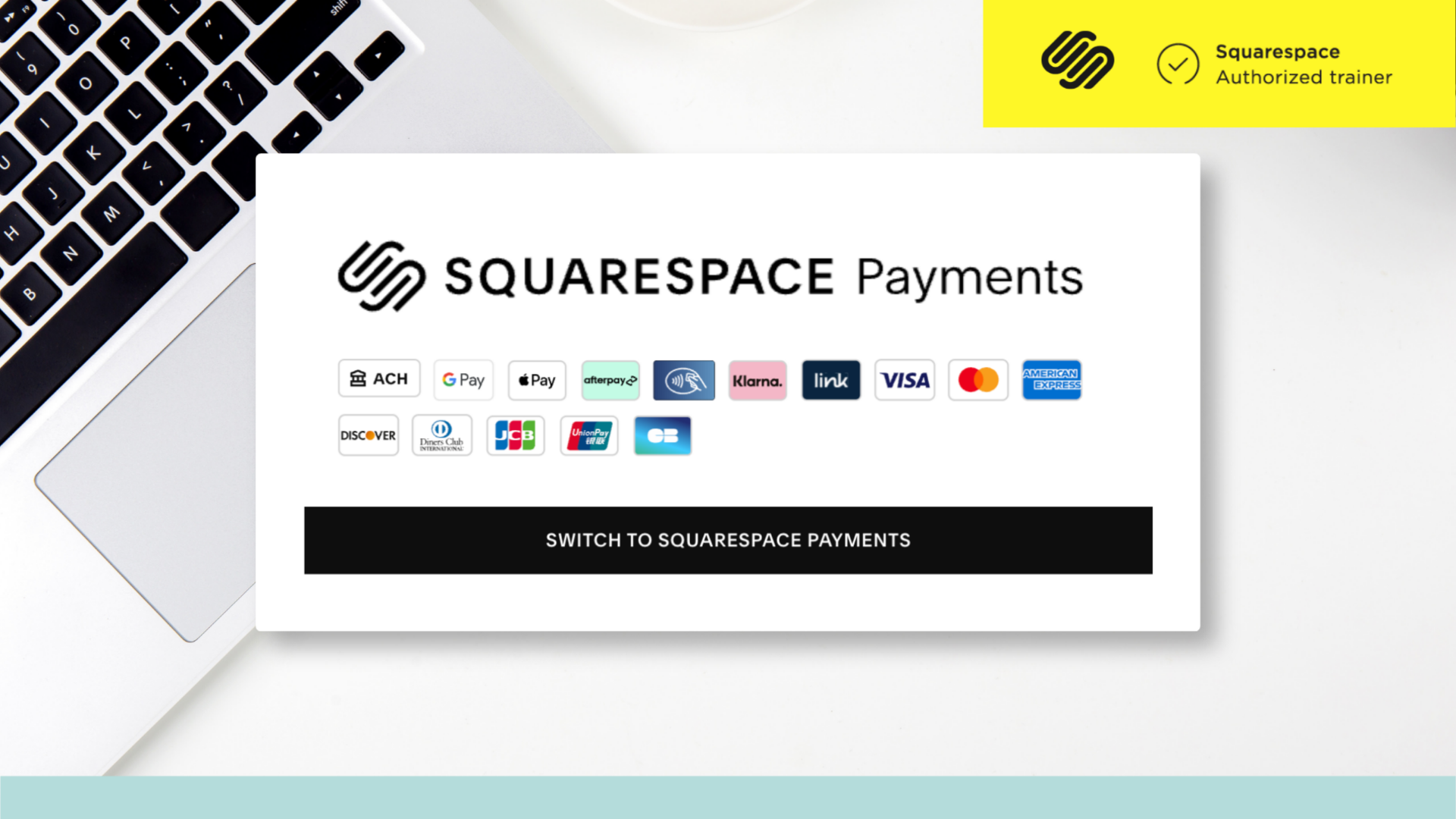
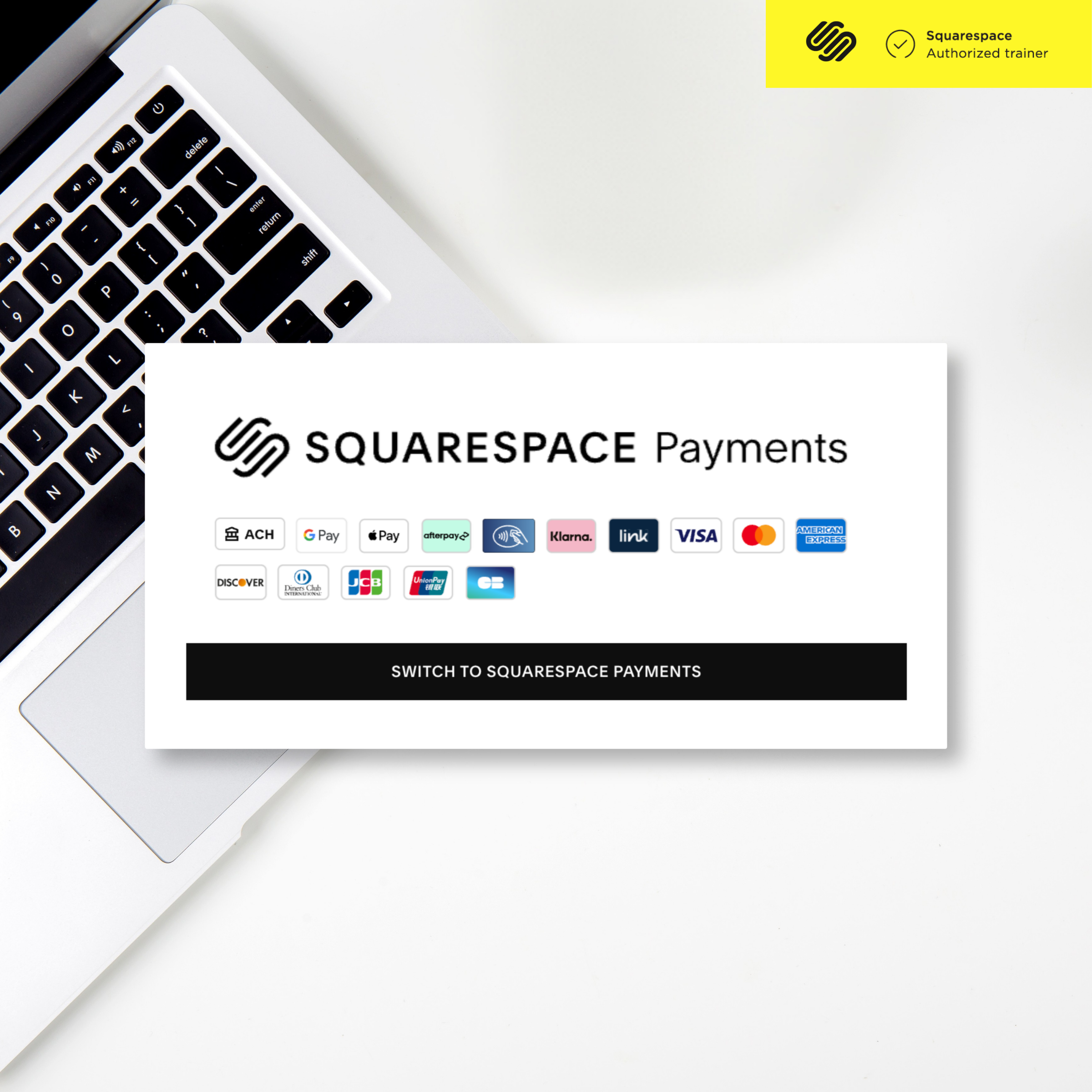
Part of this video was, yes, inspired by the comments on my most recent video, but it also comes from my own experience managing my website. I went to the payments screen for some general site maintenance and saw that the only option available was ‘Switch to Squarespace Payments’. No matter where I clicked under the ‘Finance’ tab, it all led to this same option.
I don’t actually use my Designing The Row site to sell anything, honestly. I did back in the day, but I don’t anymore, even though I am frequently setting these stores up for clients. In my >300 sites I’ve designed for clients, I come across these payment questions often so I’ll show you how to best implement Squarespace Payments.
About Squarespace Payments
I already had the payment platform Stripe connected to my site, and in addition to PayPal, have legacy payment data on my site in this way. Squarespace Payments is built off of Stripe, but that is their proprietary payment platform that they are requiring all their users to switch to.
You can also always learn more about this by visiting squarespace.com/payments.
Setting Up Squarespace Payments
To actually set up Squarespace Payments, in the ‘Finance’ section of the settings of your site, click on ‘Switch To Squarespace Payments’. A pop-up window will show up, hit ‘Get Started’.
You’ll then get a screen letting you know that any connected Stripe account will be disconnected and that your past information will still be accessible. Hit ‘Accept and Continue’.
Next, if you already have Stripe info on your account, is a screen about importing Stripe info. Click ‘Start Import’. Otherwise this screen will be about putting in your banking information.
If at any point in the process it spits you back out at the ‘Switch To Squarespace Payments’ section, just follow the steps again.
Next, you’ll need to confirm your business information. Hit ‘Confirm Information’.
Squarespace will now need to know your Business Type. If you select ‘Individual’ it will take you through a form with questions for an individual (questions about your SSN), if you select ‘Company’ the questions will be tailored to a company (questions about your EIN). It is VERY IMPORTANT that you select correctly.
Then, continue through the main steps on this form and fill out your information as you would any other form.
4:26 – Q&A
Q: If you’re not selling a physical product, can you sell other things like classes?
A: Absolutely. Physical products, digital products, services, are all fair game with Squarespace Payments.
Q: What countries are on the list of business operations?
A: US, UK, Canada, France, Ireland, Germany, Belgium, Finland, the Netherlands, Austria, Italy, Portugal, Spain, Australia, and New Zealand.
Q: Is there an option to pull payment reports for Squarespace?
A: Absolutely. Just go to your site under ‘Orders’ and there is an ‘Export Data’ button in the top right corner of the site.
Q: How long until you get your first payment to your bank?
A: You can choose to enroll in instant payments if you’d like.
Q: If you want someone to pay when they book an appointment, do you have to connect a calendar program?
A: Squarespace has a built-in scheduler, simply called Scheduler, that’s based on Acuity. It does cost money, but it can help streamline your process when done through the website.
Q: Is it better to set up a business checking account versus sending it to your personal checking account?
A: I am not a CPA and this is not financial advise, but overall I think it is wise to separate your personal and business funds.
Q: How do I change my business type from Individual to Business?
A: You’ll need to fully re-do the process of setting up your payments, unfortunately.
Q: Is there an option for Klarna payments?
A: Yes. Klarna, Apple Pay, Afterpay, Link, Google Pay, ACH Direct Debit, debit and credit cards, and other payment methods are all supported by Squarespace Payments.
Q: What should I do if my payment information isn’t showing on my website?
A: There’s nothing extra to do; nothing specific should show up on your site for Squarespace payments, it should just show up normally as them paying you for your goods and services. This is all about setting things up in the back end. You may need to specifically turn on the shopping cart on your website though so people can purchase your goods and services, that is separate from setting up Squarespace Payments.
Q: Do I have to have someone buy something first before adding the EIN?
A: Adding your EIN numbers should happen in the setup process long before any purchases.
Q: Can you enter in manual payments?
A: Theoretically, yes, if you have everything someone would need to do payments, you could enter the information yourself for them.
Other Information About Squarespace Payments
The big thing Squarespace Payments is advertising with this service is eliminating platform switching which is absolutely a major benefit of using the service.
Another thing worth noting is the payments on the go feature, which lets you manage your payments through the iOS/Android app at any time. While you’re in the Squarespace mobile app, as well, iPhone users can tap to pay you with their phones which can be a major time saver for businesses operating in any sort of physical space.
*Affiliate disclaimer: Some links may be affiliate links at no extra cost to you.
The latest Designing the Row tutorials…





Grammy-nominated singer-songwriter, author, speaker, and songwriting teacher Mary Gauthier has been a Designing the Row client since the beginning. I originally designed Mary's website during my first year in business, and over the years we've updated it alongside new albums, tours, books, workshops, and other chapters of her career.