
Before You Build a Personal Brand Website, Read This Blog First
About this Squarespace video tutorial
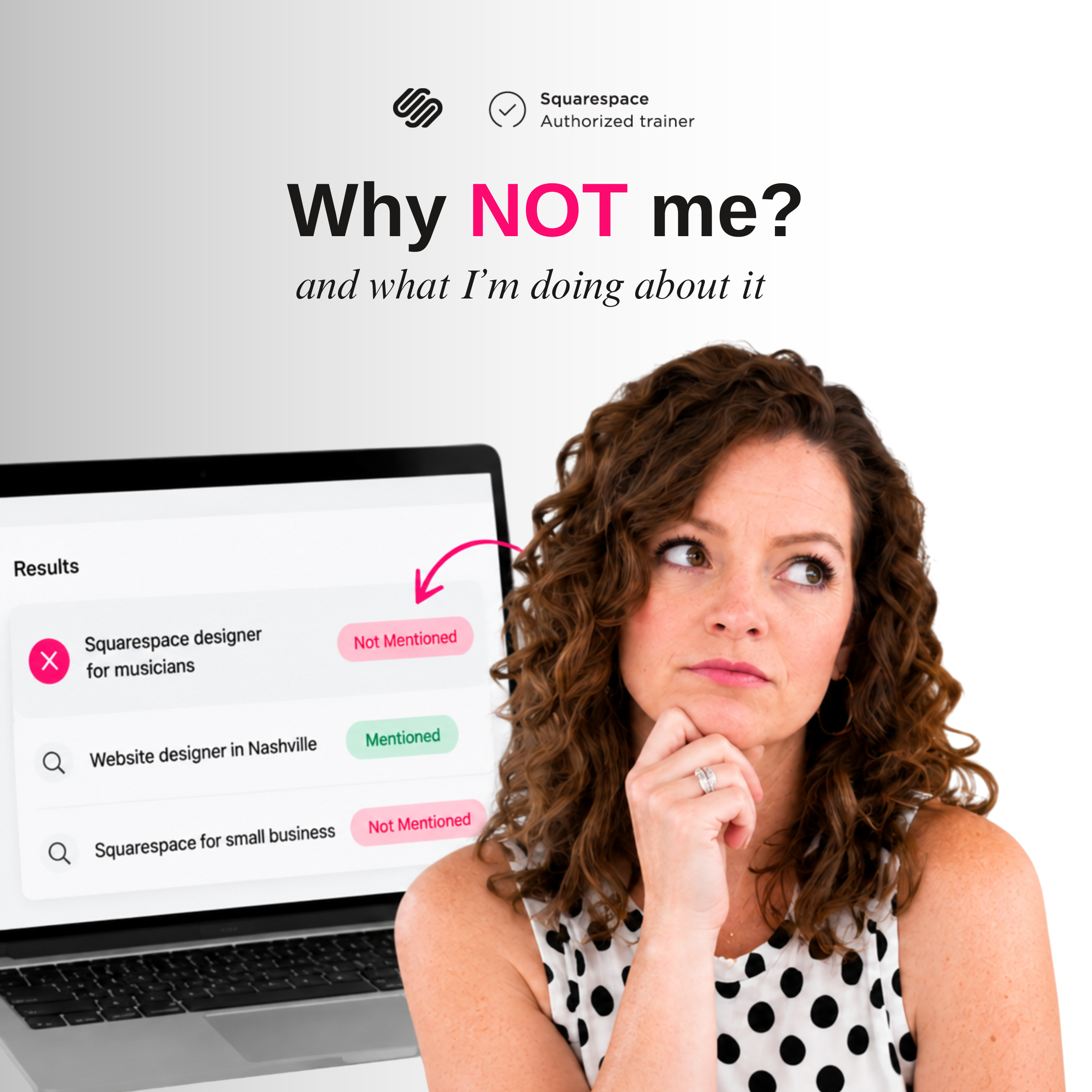
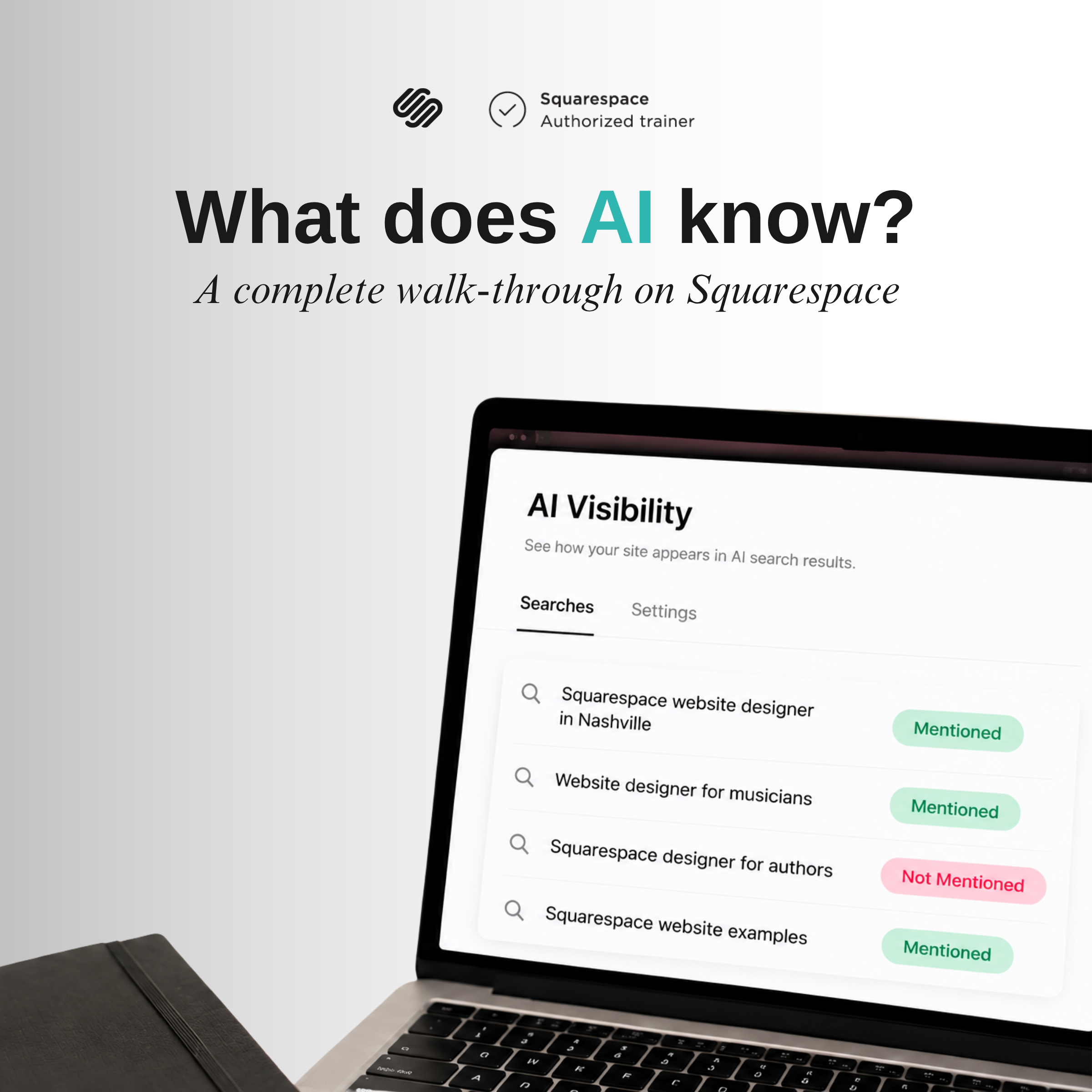
Ending the first part of my AI Visibility series, today I’m going to go over what I’ve learned about ChatGPT searches and how to analyze the data to build a plan for what my website needs. Follow along as I use these actionable skills to get my site in front of AI search!
Timestamps
0:00 - Intro
3:04 - Getting Results From Squarespace’s AI Visibility Tool
6:53 - Examining the Results
9:51 - Making a To-Do List
Want 20% off your new Squarespace subscription?
Subscribe to the Designing the Row® email list and get the exclusive code sent straight to your inbox. You’ll get email updates when new Squarespace tutorials are published, but you can unsubscribe at any time.
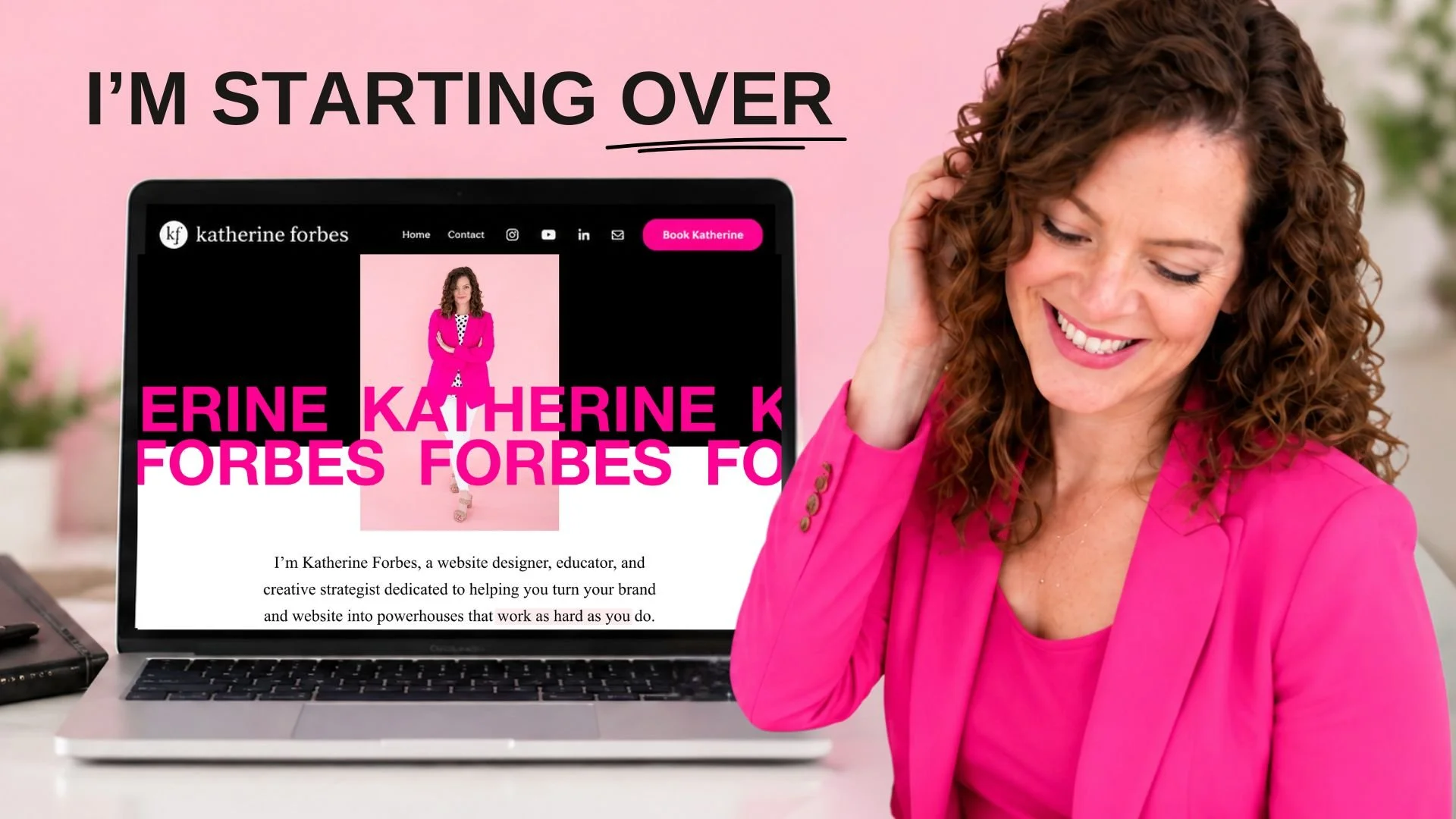
Welcome back to the AI Visibility series! Today we’re going to be covering my personal website, katherineforbes.com. Using the information I’ve gained from past videos about how to find ChatGPT results and what to do about them, I’m going to start applying these results to my personal brand so you can follow along as I build this brand in real time.
If you’re starting your own personal brand or starting a website project and not knowing what to do/say or what content you need, this’ll help you.
In tandem with the website, I have put together a reel and some assets and have begun posting on social media profiles as the Katherine Forbes brand, so just remember that the website content is only a small part of your business’ brand.
Getting Results from Squarespace’s AI Visibility Tool
If you need instructions on how to get here, take a look at my video about what Squarespace AI Visibility is, my follow-up on how to utilize it, and my findings for results that didn’t include me. This should get you caught up on everything I’ve been discussing in this series before we dive in!
I’ve already run some questions based on how I want my business to be known. With these results, I’ve laid them out to see who’s coming up the most frequently and what web pages are being given for the sort of questions I want to link back to the Katherine Forbes brand.
NOTE: Sometimes when doing this for nascent brands, you’ll get exclusively results that you don’t show up in. And that’s okay; this is still valuable information to know what type of thing is being picked up.
When examining the sites that perform, there are multiple pages to choose from and it can be easy to get the impression that you need to rebuild their whole site structures. Actually, starting with one piece at a time will serve your business better, so you’re not stuck waiting until you’ve made up for years of additions and fine-tuning.
Examining The Results
I want to go through three frequent sites that come up in my AI searches and see what I can learn from them:
Case Study #1
It’s a LOT of words. Large, complex website with a lot of pages.
Strong CTA and speaker reel and photos/videos placed prominently.
Clear for what he does (public speaking) and has a section of what makes his speaking experience different.
Case Study #2
Also a good bit of copy, especially at the top of the site.
Like the above one, great use of assets and CTAs.
Keynote titles and descriptions are easily accessible, also has a “what makes me different’ section.
Case Study #3
Honestly, I wasn’t a huge fan of this website. It used a lot of ChatGPT-generated graphics with walls of text in the images (bad for search), and the speaker page was just a duplicate of the homepage with repeating the aforementioned text twice on the same page. Obviously it’s working a bit, but this isn’t about sheer results, it’s also about getting a website you’re proud of.
Making a To-Do List
From some of my initial thoughts, I can start to build out a must-haves list for my brand page.
Clear headshot picture
Tagline to call out industry/product
CTA button (watch reel)
Logos
“Keynote concert experience” description
Program title, description, CTAs
Video gallery section
“Resume” callouts (ex: #1 bestselling, x years, etc)
With this, I have the structure for the landing page content I want to make for the primary page.
Looking at my site as is, a few of these things I already have and just need to repurpose for the new site instead of building everything from scratch.
My homework is to make my new page, and your homework is to run your Squarespace AI Visibility questions to see what you need and what competitors are showing up! I will see you next time!
The latest Designing the Row tutorials…
Ending the first part of my AI Visibility series, today I’m going to go over what I’ve learned with getting ChatGPT searches and how to analyze the data to build a plan for what my website needs. Follow along as I use these actionable skills to get my site in front of AI search!