
Why Website Growth DOESN’T Start With Getting More Traffic
About this Squarespace video tutorial
I've been asked so many times if I "Do SEO For Websites". What people actually want is website growth and more traffic, and that's about so much more than being SEO-optimized, it's about crafting your website to respond to traffic when it does come.
Timestamps
0:00 - What Is and Isn't SEO
0:51 - What I'm Seeing
4:56 - Website Footer
7:28 - What You Can Do Today (Footer Tutorial)
9:24 - Outro
Want 20% off your new Squarespace subscription?
Subscribe to the Designing the Row® email list and get the exclusive code sent straight to your inbox. You’ll get email updates when new Squarespace tutorials are published, but you can unsubscribe at any time.
What is and isn’t SEO
In my line of work, people always ask me if I “do SEO” and I want to clear up what that actually means and what SEO even is, as well as what you need to do before you optimize your site for SEO. More traffic isn’t always the answer you’re trying to solve. If your buttons don’t work, your contact information is out of date, or any major part of your sales funnel is broken and confusing, you could get all the traffic in the world but it wouldn’t help your business actually grow. All those visitors would just leave, and it’s got nothing to do with SEO or getting traffic.
It’s about what you’re doing with the traffic you are getting.
Today we’ll be going over, like always, what I’m seeing with sites, what I’m doing for my sites, and something I think you should try on websites to reach this goal.
What I’m Seeing
I’m going to call this the SEO Illusion. The underlying question of “can I get more SEO” is always “can I get more traffic to my site and therefore more business”. We need to rewind a little bit before going all the way to the end. Obviously that’s the goal, but we need to see what’s going on before we get there. Traffic does not solve friction, always remember that.
I’ve worked on sites recently with broken buttons or out of date social media links or contact forms that go to an ex-employee’s email. This is all stuff that needs to be checked and fixed before any sort of SEO optimization can be done. And I’ll talk about SEO in the next Weekly Website post, I promise!
What to do:
Click on all your buttons
Test all your contact forms
Check thank you pages/funnels for contact form fills
Personalize your contact email
Hyperlink your emails and phone numbers
Check your social links
Click on…everything, really, to make sure it all works
Using Your Website Footer To Boost Retention
I’ve been using my footer as minimally as possible, with just a copyright and created by line. Lately, though, I’ve been using it as a bit of an SEO curation strategy.
Here’s that guiding question: What path are you giving to people that have made it all the way through your website? With that you can decide what you want to put in your footer, but here are the things I’ve been doing.
Adding a logo/icon into the footer as another visual reminder of what the business is.
If your business has a physical address, I’ve been putting that in as well. (This is good for actual SEO)
Any social links
Reinforce the navigation so all those links to other pages are available for them
Your main call to action
If you’re not setting your visitors up for success and showing them the actions you want them to take, your SEO isn’t going to do you any good. Your footer is another opportunity, a final opportunity in a lot of cases, to get people to engage with your business.
What You Can Do Today (Footer Tutorial)
When making these footer changes (and this also applies to your headers), I’ve noticed recently the need to make pretty sizable changes without pushing them live just yet. I’ve been staging the footer in a page on the back end of Squarespace so I can mess around with it and design it how I’d like without accidentally pushing an unfinished footer live.
At the same time, I’ve been hiding the header and footer in Squarespace while doing this with the simple push of a button. This is a pretty big change for Squarespace, as hiding these used to require some code.
I’ll go over this and a few more details of this footer process in my tutorial video that you can check out here.
Remember, before you think about visibility or SEO, you have to make sure your site can actually withstand the attention. Once it’s actually set up to convert the viewers you are getting, we can finally talk about SEO. I’ll see you next time for that.
*Affiliate disclaimer: Some links may be affiliate links at no extra cost to you.
The latest Designing the Row tutorials…

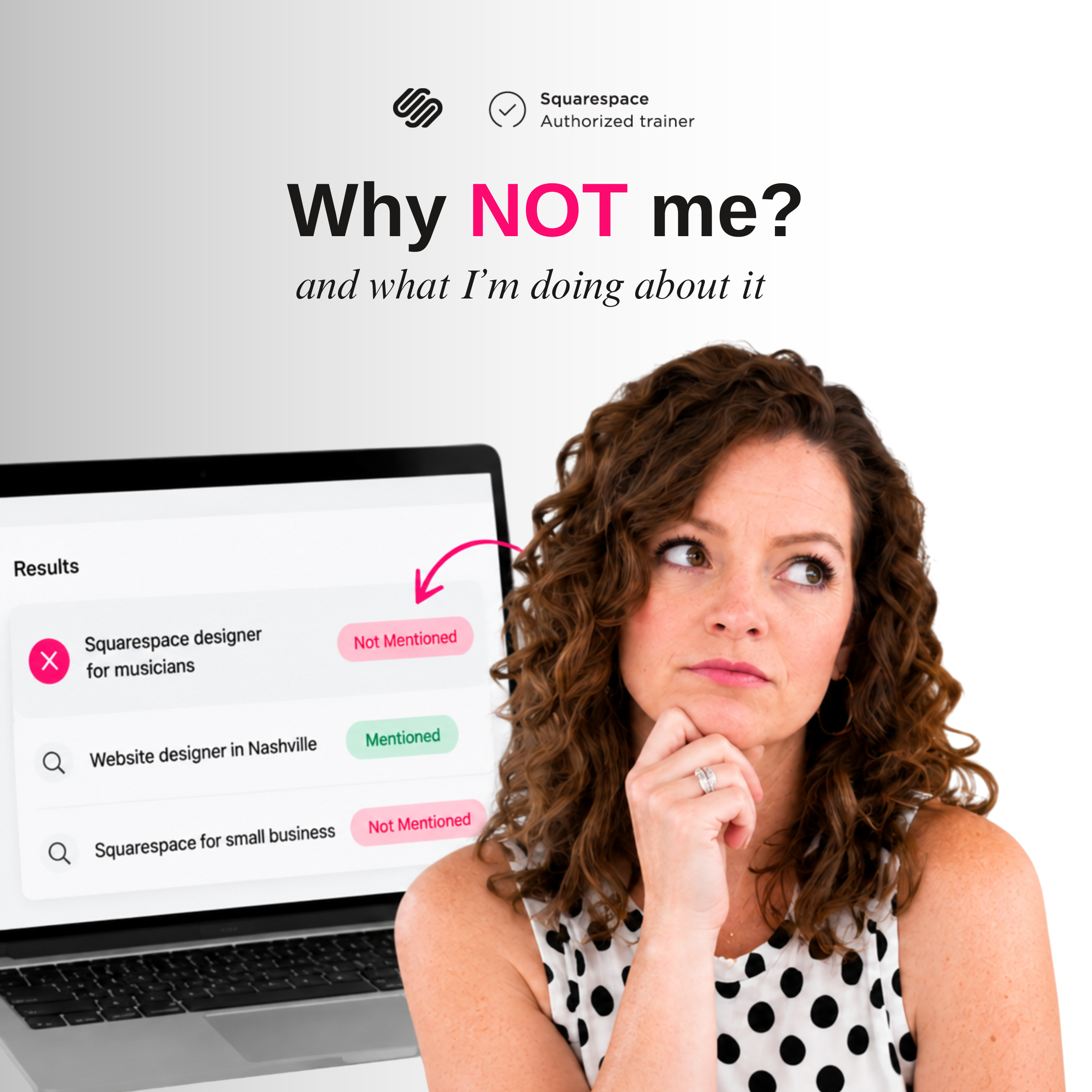

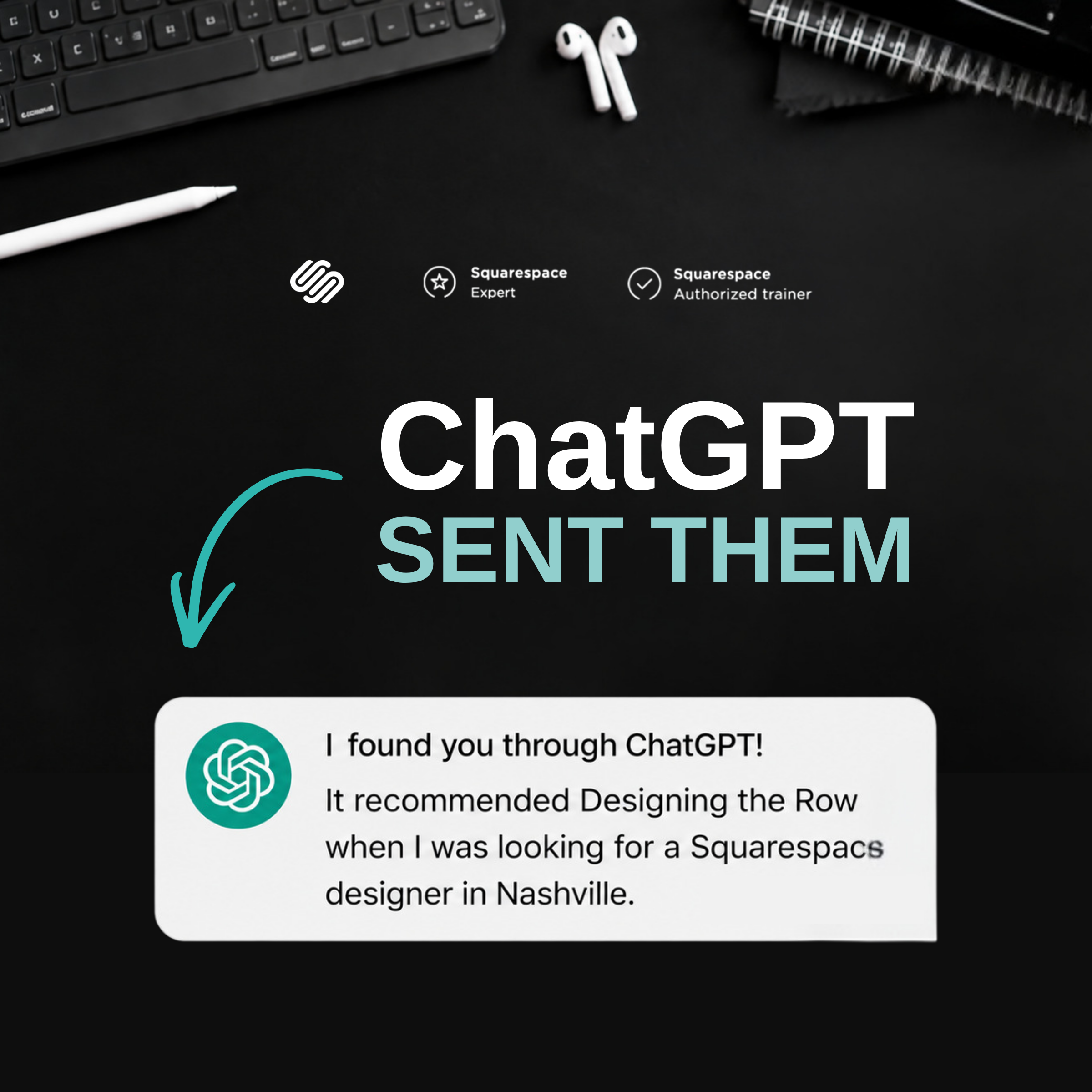

Ending the first part of my AI Visibility series, today I’m going to go over what I’ve learned with getting ChatGPT searches and how to analyze the data to build a plan for what my website needs. Follow along as I use these actionable skills to get my site in front of AI search!