
Squarespace AI Visibility: What You Actually Need to Know
About this Squarespace video tutorial
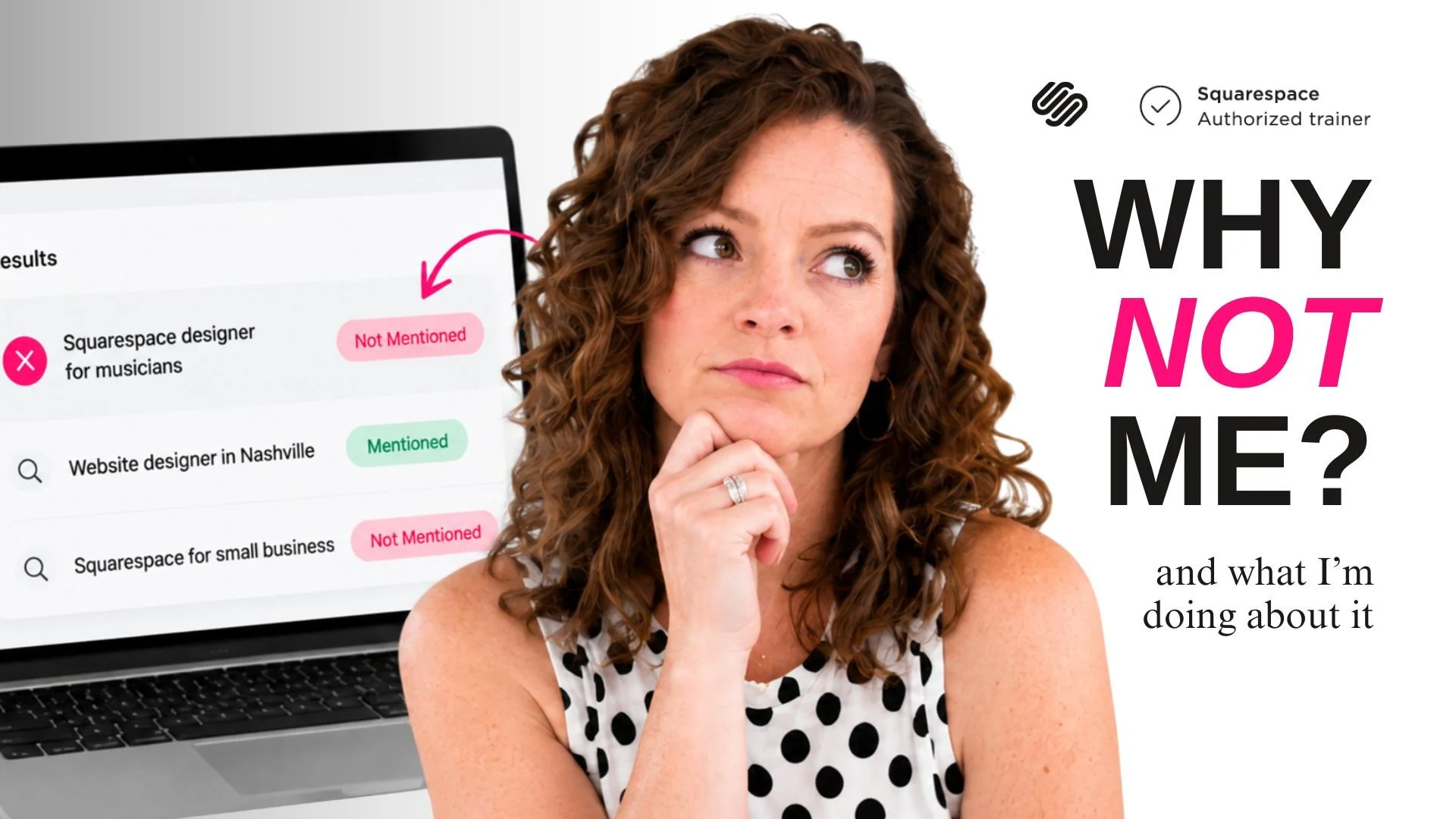
Using Squarespace’s new AI Visibility tool helps you see how AI engines are understanding your website. The first step to optimizing your business for AI search comes from this data, and I’ll show you how to get the most out of the features that come bundled with most Squarespace website plans.
Timestamps
0:00 - Intro
0:44 - How to get to the tool
4:02 - Results of prompts (and the takeaways)
10:55 - What to do
Want 20% off your new Squarespace subscription?
Subscribe to the Designing the Row® email list and get the exclusive code sent straight to your inbox. You’ll get email updates when new Squarespace tutorials are published, but you can unsubscribe at any time.
About the Squarespace AI Visibility Tool
Squarespace recently added an AI visibility tool, and when you first open it, it may be easy to confuse it for an AI optimization (or AEO/GEO) tool, but that’s not what it’s doing.
This tool gives you information about how your businesses are appearing to AI search.
Today I’m going to give you three things you need to understand before using this tool.
The first thing is what is the tool and where do you find it
The second thing is the actual prompts you feed the tool
The final thing is how to interpret the results that the tool gives you
How to get to the tool
In the backend of your Squarespace site (in a pinch if you go to your site and add /config to the end of the URL, it’ll take you to the Squarespace backend once you’re logged in), go to ‘website’ and under that, ‘SEO/AI Visibility’.
On the right-hand side of this screen, you’ll see the AI Visibility section, and it should show up with 5 ‘non-branded prompts’ and 5 ‘branded prompts’.
Non-branded prompts: AI searches in your industry that do not mention your business by name
Branded prompts: AI searches that mention your business directly and are looking for information about your company
Having these here doesn’t actually activate anything for you, it’s just about giving you visibility into how AI tools like ChatGPT view your business.
NOTE: About the credits, most Squarespace users get 10 AI Visibility credits a month. Each credit is good for one visibility search. Check the pre-made prompts before you run them so you’re not wasting the credits on searches that don’t serve your business. You can buy more credits if you want, but it’s good to get the most out of what comes with your plan.
Results of prompts (and their takeaways)
I ran the default prompts that Squarespace gave me, which is how I know it’s a good idea to be a little more thoughtful with these prompts. When you run them, you’ll get either a green checkmark or a red x if you were or weren’t showing up in those searches. Both positive and negative results are valuable, though, and we can learn a lot from them.
Example prompt: Branded “What services does Designing the Row offer for Squarespace website design”
This prompt resulted in:
My homepage (good!)
A link to an unrelated but similar website (not great, I should adjust some messaging)
A years-old PDF with outdated pricing information (a real problem, I need to remove or adjust this PDF immediately)
Example prompt: Branded “Where can I view the portfolio of websites designed by Designing the Row”
This prompt did not feature my business despite it being a branded question. The result gave back an unrelated website that doesn’t even seem to be in the same field or industry.
I have a public portfolio and have had it for years, but clearly I need to clean up the information on this page so AI tools can better read it and sort it properly.
Example prompt: Non-branded “What should I look for when choosing a Squarespace website designer”
This prompt gave a series of results, some directly from Squarespace and some from other designers with direct links to pages that ChatGPT is pulling from.
Going down to ‘Source websites’, we can see that most of these results are blogs or articles. I can study these pages and see what they’re doing that I’m not to get my site’s information seen by these generative search tools.
What to Do With This Information
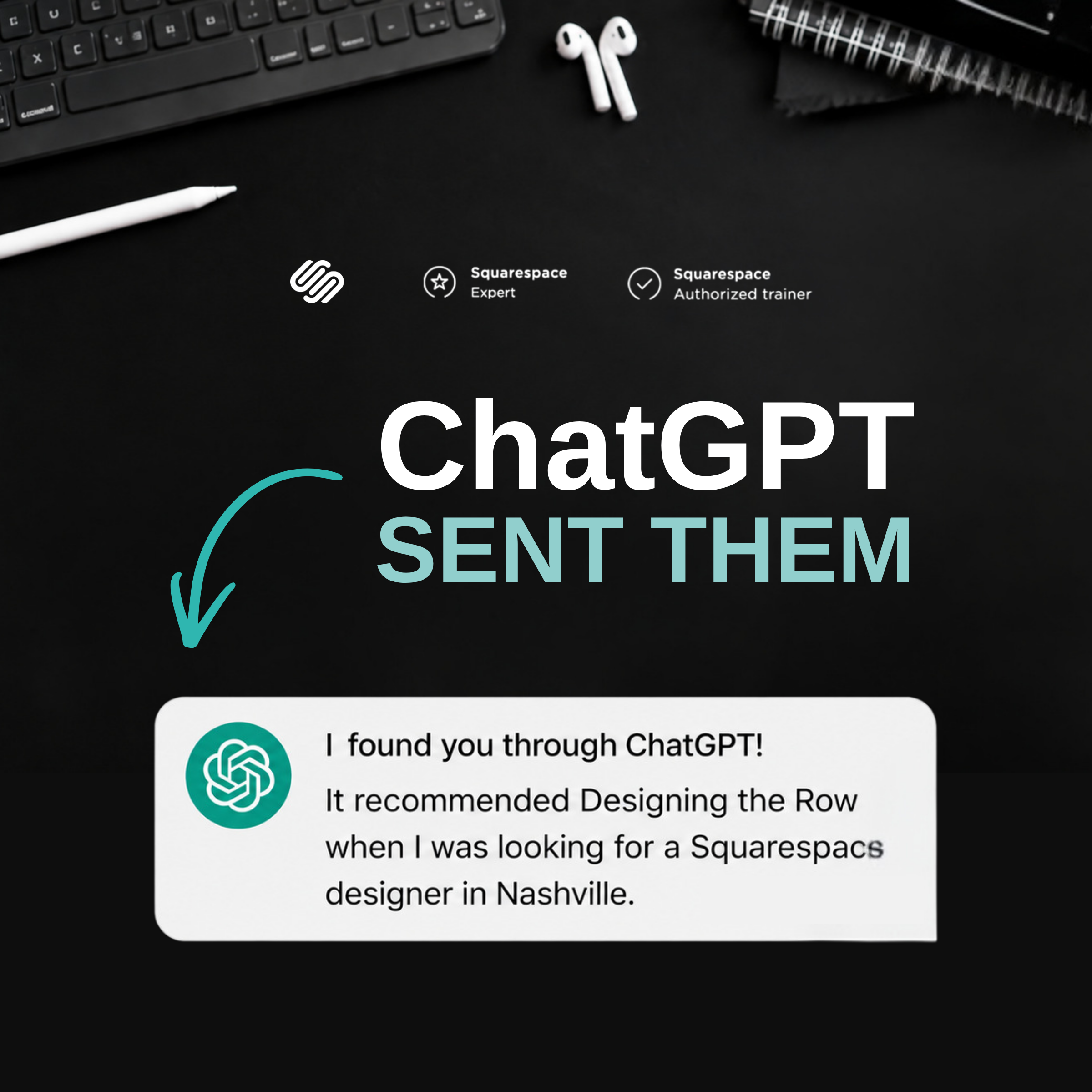
Don’t take negative results as meaning your business is totally invisible. As I talked about last week, I’m already getting results from ChatGPT, and those results are bringing me real leads.
This is just a snapshot of a few results that we can use to study the impact of a website and where it can be improved.
I’m going to run some more prompts now that I know what this tool can do and next week we’ll look at a clearer image of where I’m not showing up and what action items I need to implement to remedy any gaps in search visibility.
The latest Designing the Row tutorials…


Using Squarespace’s new AI Visibility tool helps you see how AI engines are understanding your website. The first step to optimizing your business for AI search comes from this data, and I’ll show you how to get the most out of the features that come bundled with most Squarespace website plans.